Top-Layer HTML Dialogs and Tactile Braille Focus Discipline
Replacing 14 kilobytes of custom JavaScript focus-trap listeners with native `<dialog>`, CSS `overscroll-behavior`, and live-region hygiene tested on physical 40-cell refreshable braille hardware.

Principal Systems Architect · Stockholm
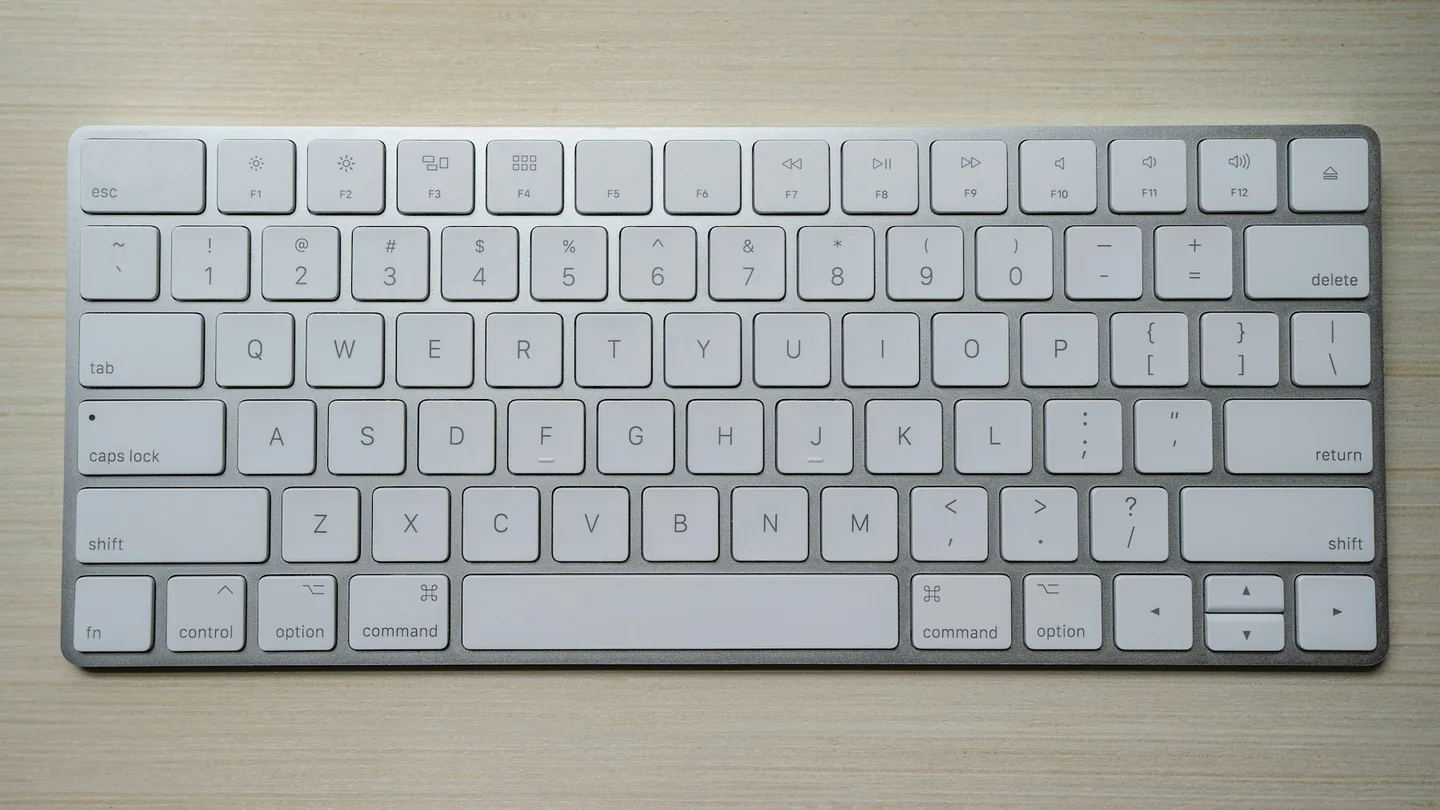
For a decade, frontend libraries shipped brittle Tab-key interceptors, MutationObserver subtree walkers, and document.body.style.overflow = 'hidden' hacks just to open a search modal. Every single one of those workarounds breaks in subtle ways when paired with a physical 40-cell refreshable braille display and VoiceOver or NVDA.
What showModal() Gives You Without Script
When you open a <dialog> via dialog.showModal(), the browser engine promotes the node into the top layer, marks sibling document subtrees inert at the accessibility-tree level, handles Escape and mobile back gestures natively, and remembers the exact invoker button for focus restoration on close.
dialog:modal {
  overscroll-behavior: contain;
}

dialog::backdrop {
  overflow: hidden;
  overscroll-behavior: contain;
  background: rgb(15 23 42 / 0.48);
  backdrop-filter: blur(4px);
}
Mutating overflow: hidden on <html> or <body> strips the root scrollbar, shifting centered editorial columns horizontally by 15px and breaking position: sticky table-of-contents sidebars. Setting overflow: hidden and overscroll-behavior: contain directly on dialog::backdrop turns the backdrop into a non-scrollable scroll container without touching page geometry.
Live Regions Outside Presentational Buttons
While testing code-block copy buttons on a Focus 40 Blue braille bar, we caught a classic defect: placing <span role="status">Copied</span> inside a <button> causes screen readers to ignore updates because button descendants are treated as presentational text. Moving the role="status" sibling outside the button—and hiding inactive bubbles via opacity: 0 rather than display: none—produced reliable braille flash notifications on every browser.
Keeping Build Outputs Lean
Deleting legacy focus-trap and accordion packages shaved 19.4 KB of compressed client script from our article pages. Combined with the hermetic asset pipeline in Content-Addressed Monorepo Build Caches Without Silent CI Drift and runtime budgets measured in Anatomy of a Sub-Millisecond WebAssembly Component Cold Start, reader pages paint cleanly in a single TCP congestion window.
Connected Architecture Notes
Henrik Lindqvist
Stockholm · UTC+1Principal distributed systems architect writing weekly benchmarks on consensus protocols, storage engines, WebAssembly isolates, and tactile web accessibility.
Reader Field Notes
1 verified note- Sep 14, 2026
Samira Al-Mansoor
Design Systems & Accessibility · London
Thank you for testing on an actual 40-cell refreshable braille display! Keeping `role="status"` outside `<button>` fixed a silent copy-confirmation regression in our internal documentation site.
Continue Reading
All essays →
Deterministic Raft Lease Quorums Under Asymmetric Cross-AZ Jitter
Oct 28, 2026
Anatomy of a Sub-Millisecond WebAssembly Component Cold Start
Oct 14, 2026

Pacing LSM-Tree Compaction Debt on High-Queue NVMe Drives
Sep 27, 2026
Get next Sunday’s benchmark by email
Full essay in plain HTML, zero tracking pixels, one-click unsubscribe.